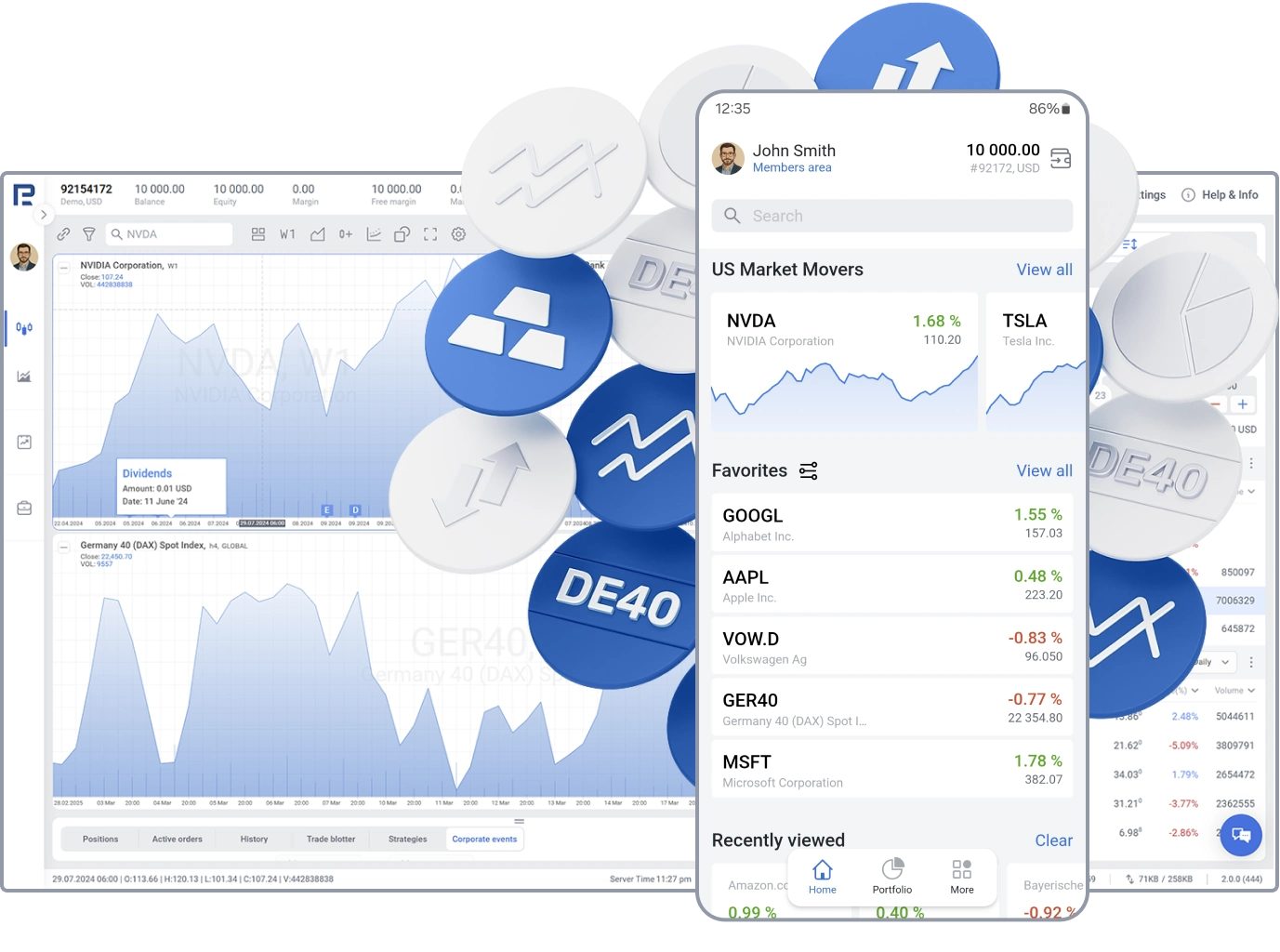
hero-image

Stocks

Trading real stocks at RoboMarkets: reliable access on all levels.

  • Zero Commission Trading

    Enjoy 0% commission on all your trades.

  • Automated Robot Trading
    (Open API)

    Enhance your trading efficiency by automating your strategies.

  • High execution speed

    Order execution from 0.1 second.

Top 5 stocks


* — ETF quotes as of {date} {time}.

Available on the following account types

Best trading platform to invest in Stocks

  • Stocks and ETFs trading
  • Impeccable execution of your orders
  • Integrated free startegy builder
Learn more

Enjoy the benefits of both platforms

RoboMarkets has partnered with TradingView to offer traders advanced tools and top-tier trading conditions

  • Open an Account

    Open a RoboMarkets account and create or log in to a free user account at tradingview.com.

  • Go to TradingView

    Visit the RoboMarkets broker profile and click the "Trade" button, or find the broker icon on the chart's trading panel.

  • Connect the accounts

    On the login panel that appears, click “Connect” and input your account information.

Go to TradingView
Once connected, locate the order entry panel on the navigation bar and initiate trading directly on the TradingView platform.

FAQ

Stocks are securities, which reflect ownership in a company and give the right for a part of a company’s profit and assets. Over the last several decades, interest in trading stocks has significantly increased. Step by step, traders switch from usual online investments and pay more attention to a more comfortable environment for trading stocks.

It’s very essential for a trader to see an overall picture of what is happening on the market if they want to make efficient investments. This becomes even more important when it comes to trading stocks: a trader has to monitor not only the market behavior, but also follow the news published by the company, stocks of which they invest in, along with its development and stability. As a result, in order to track many various indicators, a trader needs to perfectly combine different tools of technical and fundamental analysis.

Depending on their traded volumes, liquidity, volatility, and spread values, stocks can be divided into three groups: blue chips, mid-caps and small-caps stocks.

Blue chips are commonly believed to be the most reliable and liquid. These are stocks of major global companies, such as Apple, Microsoft, Google, Coca-Cola, IBM, General Motors, etc. Mid-caps and small-caps stocks are less liquid but sometimes they can be more promising. Securities of famous companies do not always yield the highest profit, however, when it comes to investments, they are considered the least risky if compared with mid-caps and small-caps stocks. It might be a wise decision to create a portfolio that consists of stocks of different types.

More conservative traders prefer to trade stocks of American companies because the American stock market is thought to be more stable and liquid over the past decade. But certainly, if you want to try some "exotics", you can add some European or Japanese stocks to your portfolio. Investing in Chinese stocks carries a higher risk. Their prices may skyrocket of course, but there is a high risk of gaps in such markets.

Traders who are interested in trading stocks are divided into three categories:

  • Passive (reliability and stability), who prefer "blue chips".
  • Active (the highest possible profit with moderate risks), who mostly prefer "blue chips", but do not ignore mid-caps and small-caps stocks as well.
  • Speculators (early income, short-term buying/selling), who choose the most liquid stocks, “blue chips”.

Being more reliable and liquid securities, “blue chips” may be considered ultimate instruments suitable for all traders who are interested in trading stocks regardless of their strategies. It’s important to understand that trading mid-caps and small-caps stocks requires traders to have advanced knowledge and impressive experience in trading on financial markets. Beginners are not recommended to add them to their portfolios, because injudicious actions may result in loss of some or all of your investments.


The cost of trading stocks is from 0.075% per order.

Yes.

You can use R StocksTrader trading platform.

RoboMarkets offers Prime Stocks and ISK account types.

Go to tradingview.com, click the member icon in the top-right corner, and then click the “Sign In” button to choose your preferred verification method. Don’t forget to get acquainted with the community, news, and market screeners.

TradingView is compatible with all modern browsers and offers desktop and mobile apps that can be downloaded from here.

After connecting to TradingView, RoboMarkets will continue to manage all account transactions — including deposits and withdrawals — for your account.

You can use the Paper Trading feature, designed to execute simulated trades without risking real money. To practice trading using Paper Trading, open a chart, then open the Trading Panel and select Paper Trading. Please note that this type of trading does not reflect the nature of speed and order execution on an integrated account.

There are several ways to do that — you can always check the Help Centre for helpful information, ask for feedback through Support tickets, or inquire with RoboMarkets for assistance. TradingView also provide a wide array of content on its YouTube channel to help you — check it out here.

Integration is free for TradingView clients; only standard brokerage fees and commissions apply. You can also purchase one of TradingView’s Premium plans for advanced traders.

  1. Log in to TradingView and open the stock chart you want to trade.
  2. Click “Trading Panel” at the bottom and select RoboMarkets.
  3. Enter your RoboMarkets login credentials to connect.
  4. On the chart, enter the trade details (order type, quantity, etc.) and click “Submit.”
  5. Your order is now sent directly and executed by RoboMarkets.
  1. Log in to TradingView and open the stock chart you want to trade.
  2. Click “Trading Panel” at the bottom and select RoboMarkets.
  3. Enter your RoboMarkets login credentials to connect.
  4. On the chart, enter the trade details (order type, quantity, etc.) and click “Submit.”
  5. Your order is now sent directly and executed by RoboMarkets.
section background

Recognized by Prestigious Awards

RoboMarkets® Is Recognised by the Most Respected Experts in the Financial Services Industry.

  • 2024

    Best Trading Support - Europe

    GF Awards - Retail

  • 2023

    Best Professional Trading
    Conditions (Europe)

    Professional Trader Awards 2023

  • 2023

    Innovation Award 2023

    Newcomers Network Germany